Make your buttons shine ✨ Easy Figma glow effect 📌 #figma #figmatutorial #ui #ux
UXmastermind | UI/UX | Figma
@uxmastermind• UI/UX Designer • • Tutorials and useful stuff • • Figma • • YouTube • •Subscribe to my telegram channel•
🔗 https://youtube.com/@uxmastermind?si=9CnnmYu9mjgQi2OQ ↗🔎 Détails (profil + refresh) ouvrir
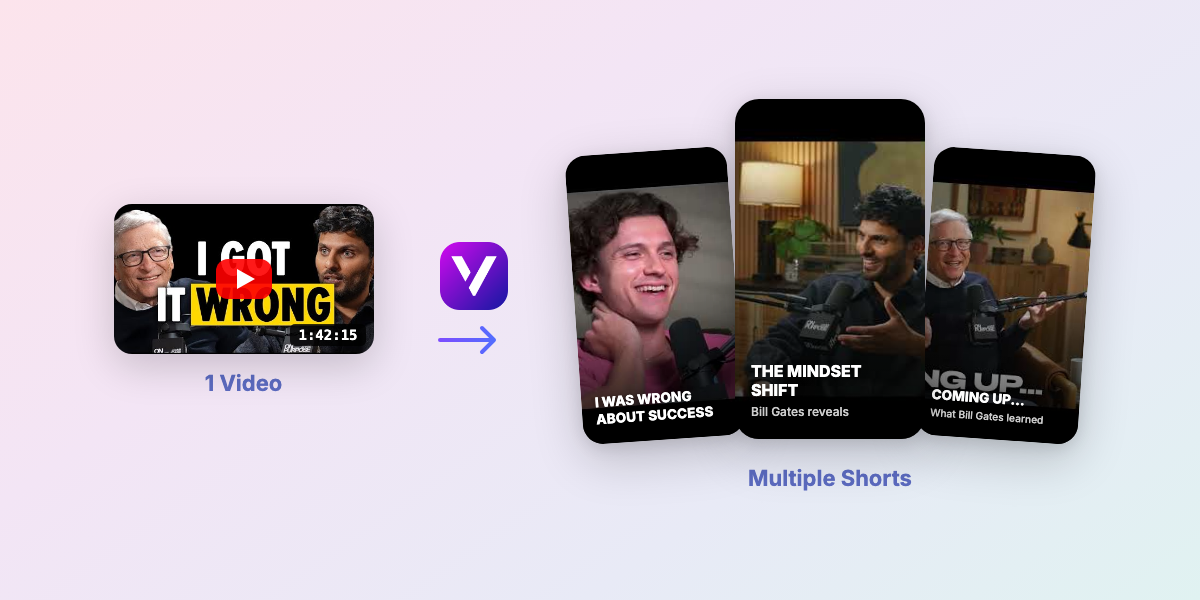
Turn 1 Long Video into 10 Viral Shorts
Upload one YouTube video and auto-generate multiple TikToks, Reels, and Shorts in minutes.
4px mobile grid system🔥 This Grid will help you to create every details perfect in mobile apps📌 #uiux #uigrid #grid #figma #tutorial
A Dynamic Island UI concept inspired by Apple’s interaction pattern. This concept explores how live activities like calls, meetings, and notifications can feel more interactive and visually engaging while staying minimal and clean. #tutorial
Hey designers! I’m super excited to share this animation idea with you! Transform your design into a true masterpiece What do you think? Let me know in the comments below 👇 #figma #tutorial #uiux
What’s up, designers! Here’s a sick Figma Smart animation Tutorial to save and rock 🔥 #figma #tutorial #uiux
Duolingo dark/light mode switch 📌 #figma #tutorial #switch
Stop using dafont use these sites instead! These alternatives aren’t about replacing what you use or literally telling you to stop using them. They’re just here to expand your sources as a designer. You’ll find a mix of free personal-use and commercial-use options to explore 1. Awwwards 2. Uncut 3. Atipo foundry SAVE for LATER ❤️ SHARE with FRIENDS 💛
Turning the Figma logo into glass 👀✨ Just a few shapes, blur, and layering doing all the work. Sometimes the simplest effects hit the hardest. This is way easier than it looks 👀 Save it and try the same effect on icons, logos, or buttons! #figma #uiux #tutorial
Another shape builder in #figma design example, in the blink of an eye 👁️. • "M" enters shape builder mode • "Option / Alt" held + click to removes areas • "Shift + X" swaps fill and stroke 📌
One important note to make this work: The screens have to be put in auto layout in Figma. #figma #uiux
Turn 1 Long Video into 10 Viral Shorts
Upload one YouTube video and auto-generate multiple TikToks, Reels, and Shorts in minutes.
Here’s a sick Figma Smart animation Tutorial to save and rock 🤘📌
When you stare at a blank screen for too long 😬 Here are 5 tools that pull me out of the ditch and back into design mode.
- Je compte uniquement les vidéos ≥ 60 secondes (tu m’as dit que <60s = pas pris en compte).
- Calcul sur les 30 derniers jours (dans la limite des 35 dernières vidéos qu’on a dans le JSON).
- RPM estimé : 0.99€/1k vues (range 0.69–1.28) basé sur ER + save rate + durée moyenne.
- Résultat: 24€ sur 30j (range 17€–31€), pour 24.21K vues éligibles et 3 vidéos ≥60s.
- Emoji + note /10 = performance globale de la vidéo (views + ER + saves).
- ER = (Likes + Commentaires + Partages) / Vues • Save rate = Sauvegardes / Vues.
- Badges “Au-dessus / En dessous” = comparaison directe à la moyenne de TON compte.
Clipping is the fastest way to repurpose content: one long video becomes multiple short viral formats. Example: 1 YouTube video -> 10 Shorts/TikToks.
- 1 long video -> multiple Shorts/TikToks
- Auto subtitles synced to every clip
- Vertical exports optimized for watch time