User's guide

How to get started with Vexub

1. Choose your entry point
Start with the Vexub offer that matches your current production rhythm. Basic is made for moving fast, Plus for adding depth, Pro for a larger production cadence.
2. Validate your order and unlock access
Once the payment is confirmed, Vexub records your order and starts the digital delivery flow immediately. Keep your order email and confirmation page handy.
3. Launch your first workflow
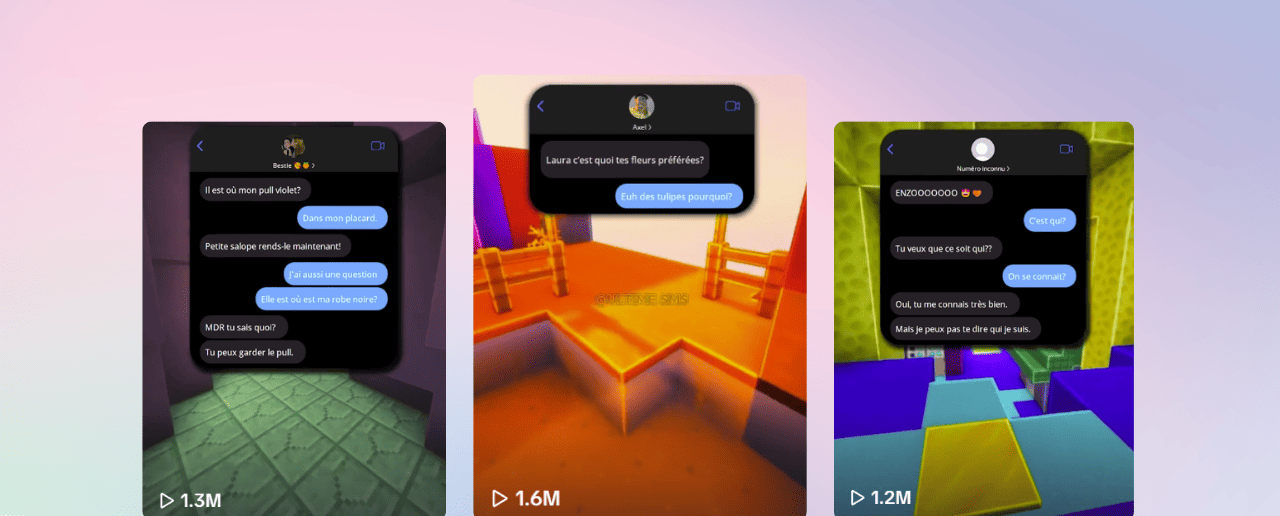
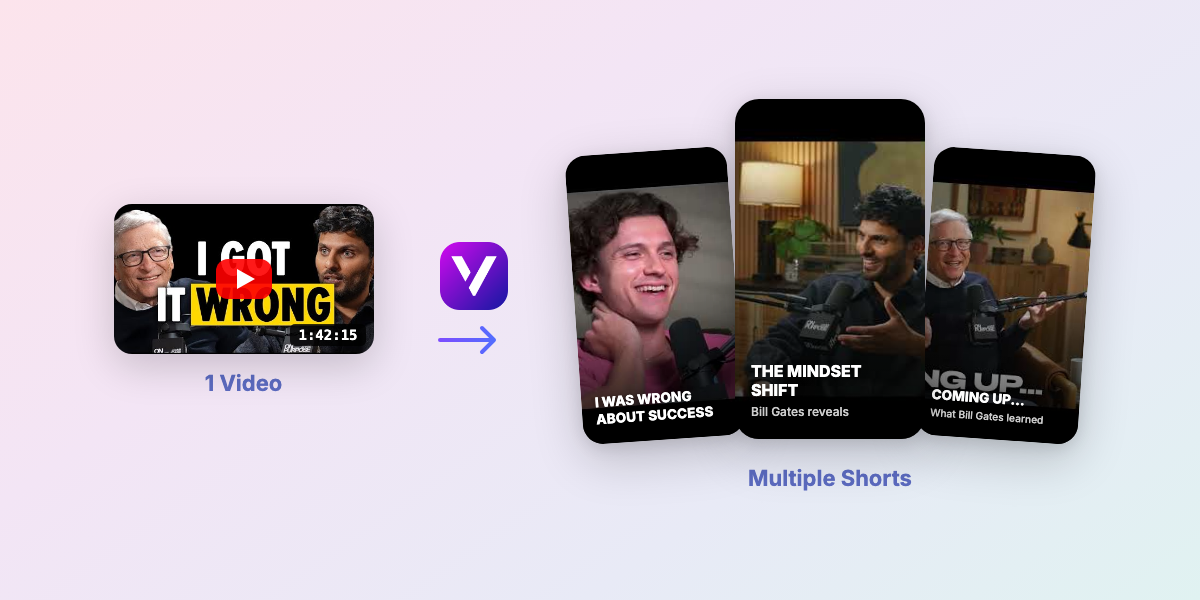
Begin with one clear use case: a short-form ad, a hook-driven demo, an explainer or a UGC-style sequence. The objective is to publish one clean first output, not to test everything at once.
4. Refine and repeat
Once your first piece is live, keep what works: the angle, the rhythm, the structure and the CTA logic. Vexub becomes much more useful when you treat it like a repeatable production system.

Quick troubleshooting
Start from your confirmation page or the order email. Both contain the next step for access and support.
If you want the cleanest entry point, start with Basic. If you already need more depth, go to Plus. If you want the broadest pack, go to Pro.
Write to [email protected] with your order reference. The Vexub team will point you in the right direction.